
E-mail address
[email protected]
COMMUNICATION & COLLABORATION
Team conversations.Useful working context.
Keep people, messages, and supporting information connected.
Discuss tasks, coordinate projects, and collaborate on business leads while keeping the conversation connected to the activity. Find colleagues, share voice updates and files, and coordinate group discussions and mentions.
Task & project discussionsFiles & voice updatesPeople & shared context
Team conversations
People, messages and shared files.
Chats
No matching contacts.
Sara Ali
Account executiveContact information
- Role
- Account executive
- City
- Dubai
- Phone
- +971 ••• •• 0201
- [email protected]
Attachments
Maya Patel
AccountantContact information
- Role
- Accountant
- City
- Abu Dhabi
- Phone
- +971 ••• •• 0202
- [email protected]
Attachments
delivery-checklist.txt
Delivery checklist

1. Confirm the delivery owner and handover date.
2. Review the outstanding items with the project team.
3. Record the agreed actions before the handover meeting.
Download sample
supplier-visit-notes.txt
Supplier visit notes

1. Confirm the site contact for the supplier.
2. Check the planned service visit time.
3. Keep the service notes with the supplier agreement.
Download sample
Example conversations. Messages stay in this preview.
Choose a colleague. Keep the conversation and its files together.Illustrative workspace · Lijix
EXPLORE THE CAPABILITIES
The context behind the conversation.
Keep people, messages, and supporting information connected. Explore the capabilities and the business information they bring together.
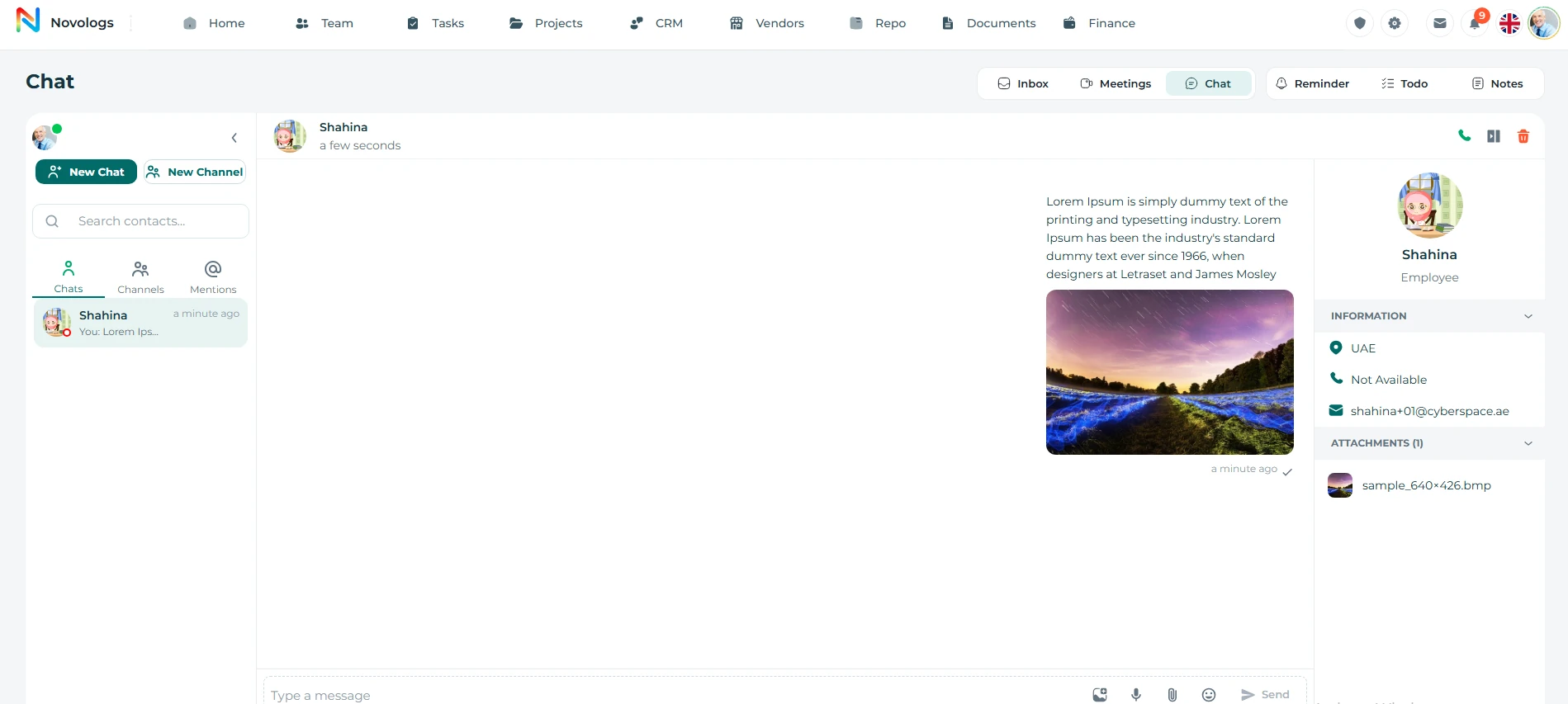
Conversations
Keep employee conversations fast, clear, and connected.
Keep messages, questions, and decisions close to the work being discussed. Connect conversations with tasks, projects, and business leads, and coordinate directly with the employees involved.
- Direct Messaging
Real-time one-to-one employee chat
- Live Status
Online, away, and active indicators
- Files & Media
Share files, voice notes, and images
- Live Sync
Web and mobile conversations aligned
Conversations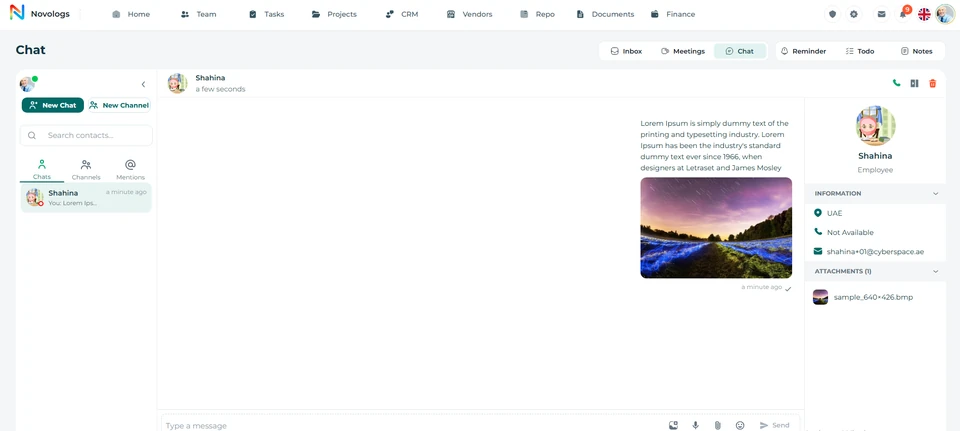 View screenshot
 View screenshot
MOBILE / Conversations
Keep the conversation moving.
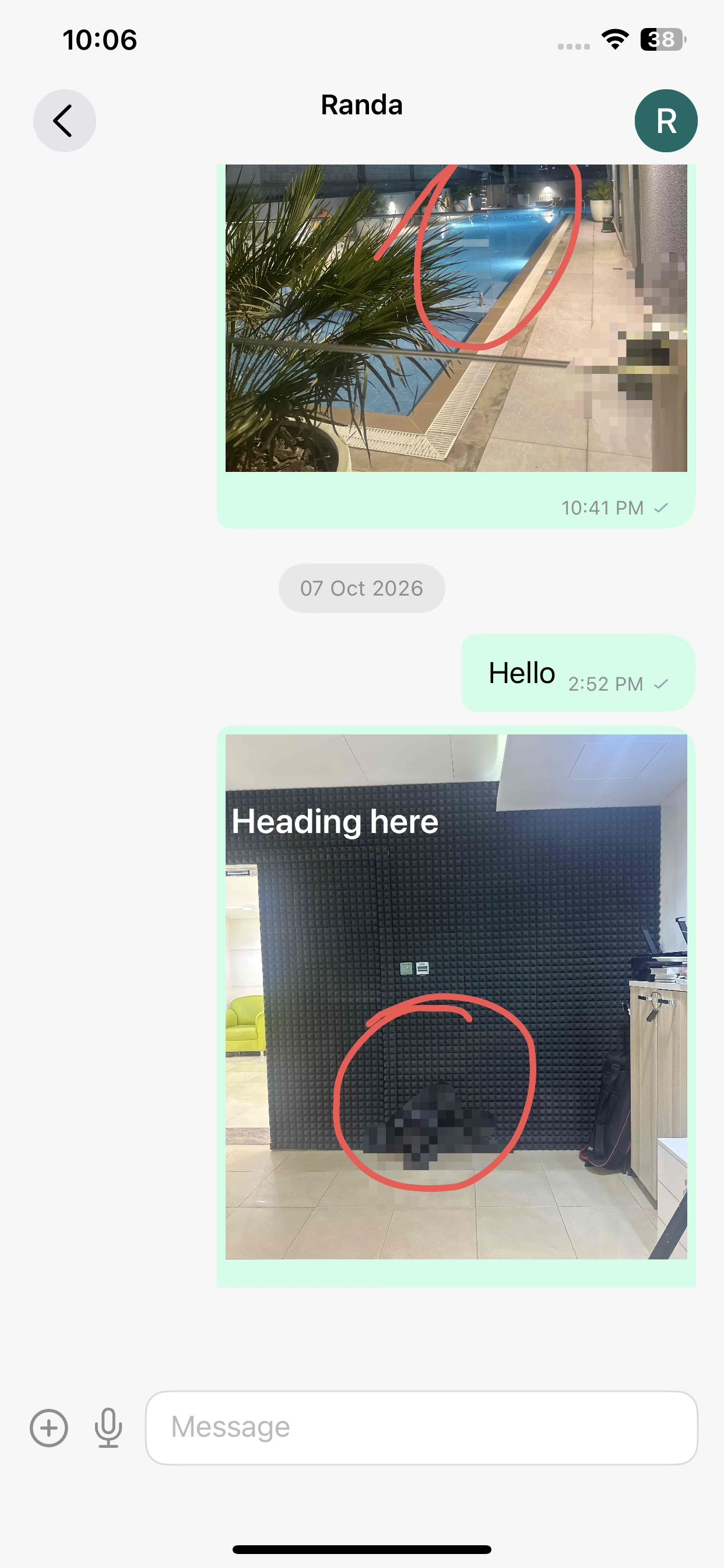
Read a direct conversation and the supporting images shared within it.
Direct conversation
Keep messages together in the selected conversation.
Shared images
Review visual context shared with a colleague.
Message controls
Use the available message, attachment and microphone controls.
Contacts
Find the right person and start the conversation instantly.
Search employees, browse contacts, view availability, and open direct conversations without switching tools.
- Employee Search
Find employees instantly
- Availability Status
Online and away indicators
- Quick Conversations
Access frequent chats faster
- Departments & Roles
Browse teams and responsibilities
People you work withWorkspace example
Ahmed HassanOperations · Project managerProject owner
Sara AliSales · Account ownerClient contact
Maya PatelFinance · AccountantFinance contact
Employee profilesDepartment contextRelevant contacts
Illustrative workspace · A view of contacts in your workspace
MOBILE / Contacts
Find the conversation you need.
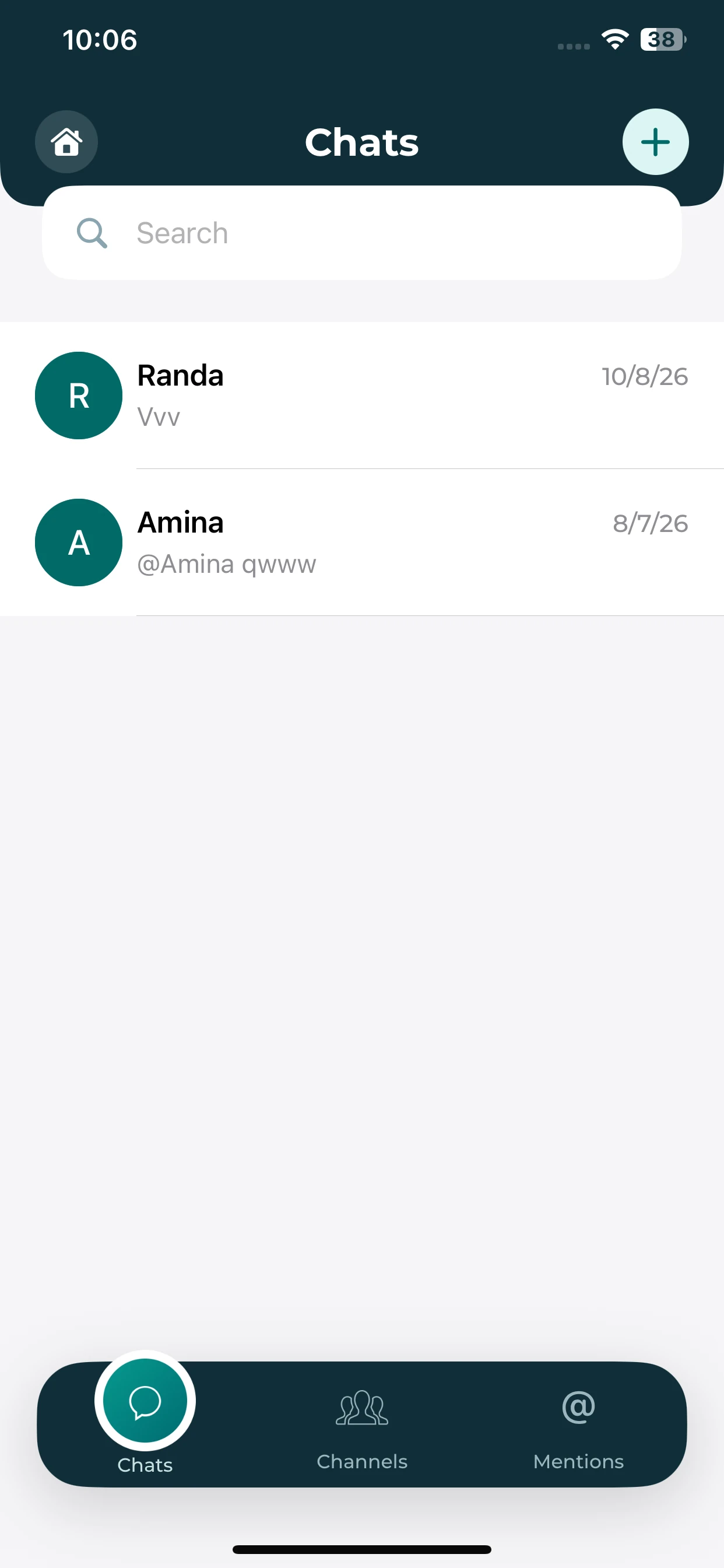
Search the mobile chat list and choose a colleague to continue a discussion.
Chat list
Review the contacts and recent snippets shown in the list.
Find a colleague
Use search when looking for a conversation.
Start a discussion
Open an existing chat or use the available create control.
Files & voice
Give every conversation the right context, files, and quick updates.
View employee profiles, share documents and media, and send quick voice notes directly inside conversations without losing context.
- Employee Profiles
Roles, teams, and responsibilities
- Availability Status
Available, away, and offline visibility
- File Sharing
Documents directly inside chat
- Media Uploads
Images, videos, and voice files
- Voice Recording
Record directly inside chat
- Playback Support
Listen directly inside conversations
WEB & MOBILE
On mobile: Know who you contact; Documents inside conversations; Speak instead of typing.
Campaign project discussionIllustrative conversation
Discussion contextLinked work, files, and participantsProject
Shared updatesConversations stay close to the activityRecorded
MessagesVoice updatesFiles & images
Illustrative workspace · A view of files & voice in your workspace
Group context
Keep teams, members, and conversations organized in shared groups.
Create communication groups, manage participants, share files, track conversations, and keep collaboration centralized across web and mobile.
- Group Conversations
Organized communication spaces
- Member Management
Add and manage participants
- Shared Attachments
Files and media inside groups
- Conversation Records
Keep communication organized
WEB & MOBILE
On mobile: Keep team discussions organized; Add and manage participants; Access group files and media.
Campaign project discussionIllustrative conversation
Discussion contextLinked work, files, and participantsProject
Shared updatesConversations stay close to the activityRecorded
MessagesVoice updatesFiles & images
Illustrative workspace · A view of group context in your workspace
Mentions
Never miss conversations where your name is mentioned.
Track all mentions in one dedicated view, quickly review who mentioned you, open the related conversation, and respond without searching through every chat.
- Mention Inbox
All @mentions in one place
- Context Preview
See the message before opening
- Sender Details
Know who mentioned you
- Time Tracking
Review mentions by date and time
WEB & MOBILE
On mobile: All @mentions in one place; Read the message before opening; Jump back into the conversation quickly.
Campaign project discussionIllustrative conversation
Discussion contextLinked work, files, and participantsProject
Shared updatesConversations stay close to the activityRecorded
MessagesVoice updatesFiles & images
Illustrative workspace · A view of mentions in your workspace
FROM INFORMATION TO ACTION
From a conversation to the next action.
Bring the right information, people, and next actions together in one connected business environment.
- 01
Find the context
Open the relevant person, team, task, project, or business lead.
- 02
Start the discussion
Exchange questions, instructions, and useful updates.
- 03
Share information
Keep relevant files, images, and voice explanations close to the conversation.
- 04
Follow through
Review the decision and coordinate the next responsibility.
A FEW USEFUL DETAILS
Working with
conversations.
Practical details about conversations and the connected working environment.
How does communication connect to work?
Discussions stay within tasks, project workspaces, and business leads, preserving the context of the activity.
Does this page replace meeting management?
No. Meeting Management covers meetings, minutes, decisions, and action items; this page focuses on messages and collaboration.
Is the email inbox the same as chat?
Unified Email Inbox connects business email accounts. Chat supports team discussions and working context.
Can supporting files stay with a conversation?
Share files, voice updates, and useful group information alongside the conversation. Task discussions also keep multimedia supporting information connected to the work.
ONE CONNECTED PLATFORM
Explore the rest
of your workspace.
Follow the people, work, information, and business relationships connected to this module.

Contact
Let’s Connect
Your Business
Your Business
Phone number
+971 4 235 0900
Office Address
City Avenue BuildingDubai, UAE
Business Hours
Monday to Friday: 9:00 AM to 6:00 PMSunday: Closed