
E-mail address
[email protected]
CORRESPONDENCE IN CONTEXT
Your business email.One working inbox.
Manage connected accounts and everyday correspondence alongside your work.
Read incoming messages, prepare responses and manage supported connected email accounts in one Lijix environment. Provider availability depends on the platform and connections enabled for your account.
Connected accountsRead and composeBusiness correspondence
Email workspace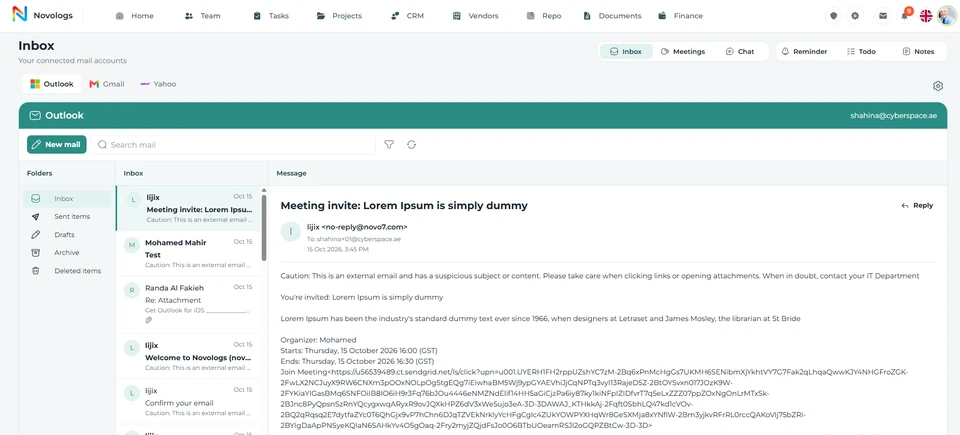 View screenshot
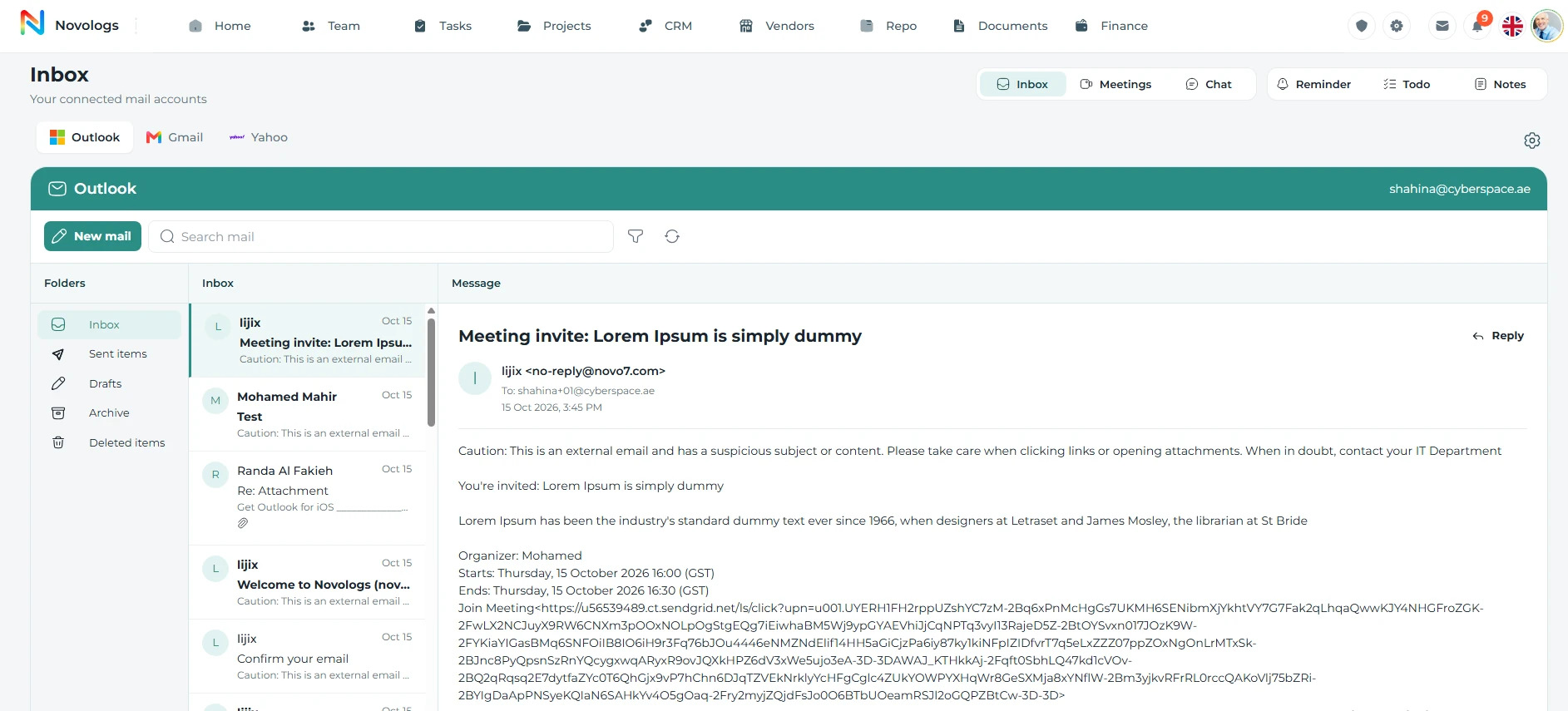 View screenshot
Manage connected accounts and everyday correspondence alongside your work.Platform preview
EXPLORE THE CAPABILITIES
A clearer place for everyday email.
Bring account access, message review and correspondence management closer to the business activities they support.
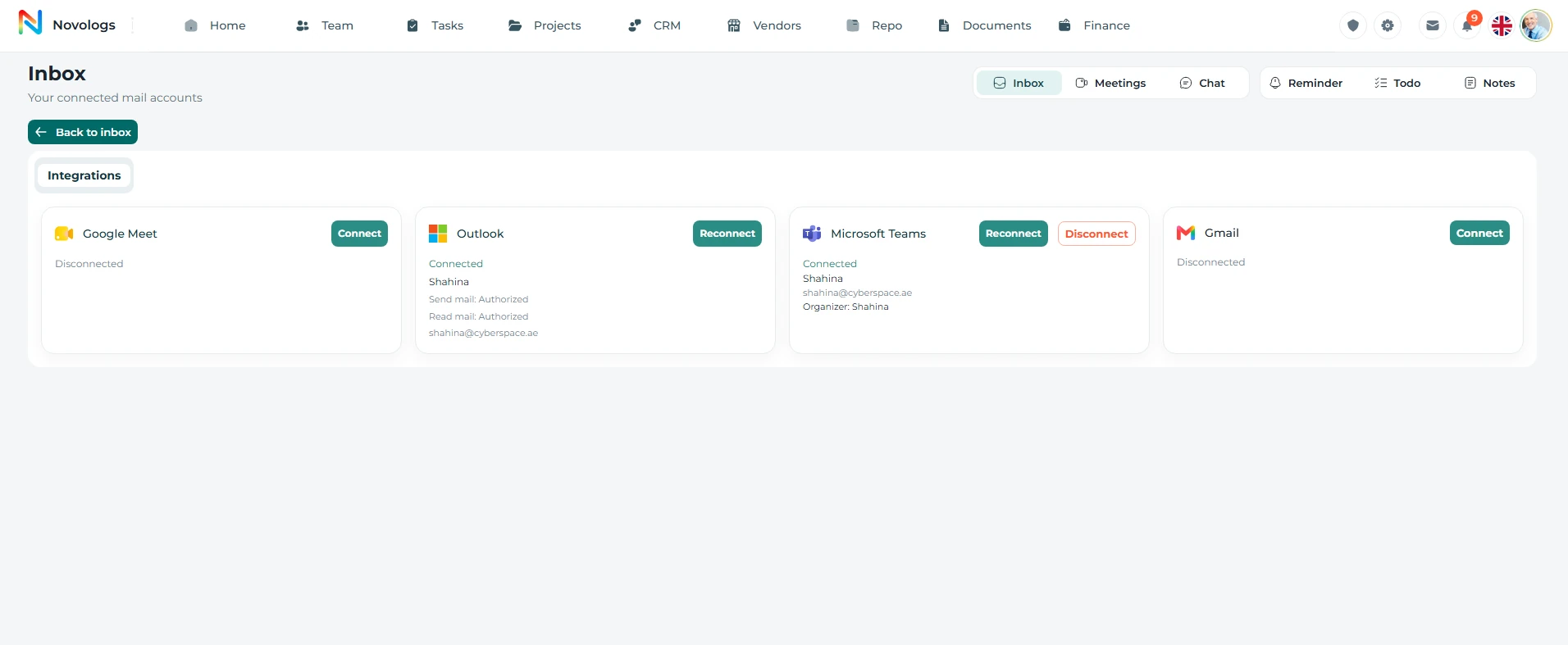
Connected accounts
Bring your business accounts into view.
Keep supported email connections in one environment. Manage the business identities you use for enquiries, projects and administration, with the options available on each platform.
- Multiple accounts
Work with connected business email identities.
- Connection status
Review the state shown for supported connections.
- Account permissions
Use the actions authorized for a connected account.
- Provider availability
Check the services available on web and mobile.
Connection settings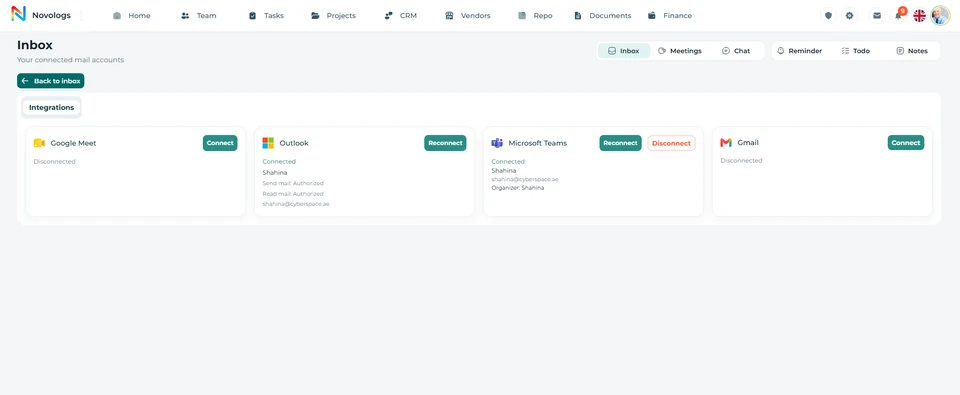 View screenshot
 View screenshot
MOBILE / Connected accounts
Know which providers are available.
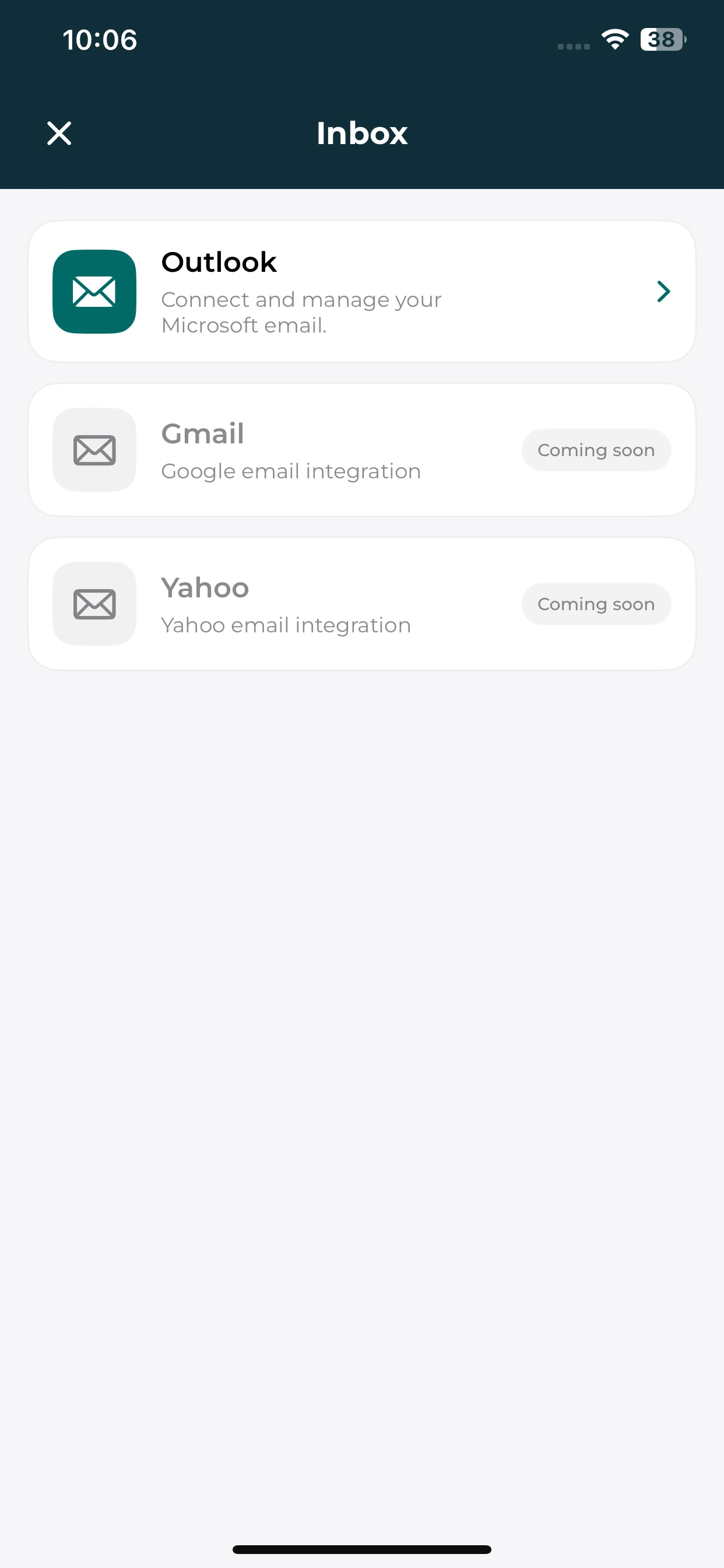
Use Outlook in the mobile inbox. Gmail and Yahoo are marked as coming soon on mobile.
Outlook on mobile
Open the available Outlook connection.
Platform differences
Provider choices can differ between web and mobile.
Coming-soon services
Gmail and Yahoo mobile inboxes are coming soon.
Message review
Read the correspondence that needs you.
Review incoming business messages and maintain an organized reference for conversations with clients, vendors and colleagues. Keep email management within the same environment as your operational work.
- Incoming messages
Review correspondence received by a connected account.
- Message context
Keep sender and message details available together.
- Business identities
Review the mailbox relevant to the current responsibility.
- Everyday organization
Manage correspondence alongside other business activities.
Message reviewWorkspace example
Illustrative mailbox
Project correspondenceMessages relevant to ongoing workInbox
Client enquiryReview the sender and message contextRead and respond
Supplier discussionKeep the correspondence organizedBusiness email
Illustrative workspace · Example workflow and business records
MOBILE / Message review
Your correspondence, on your phone.
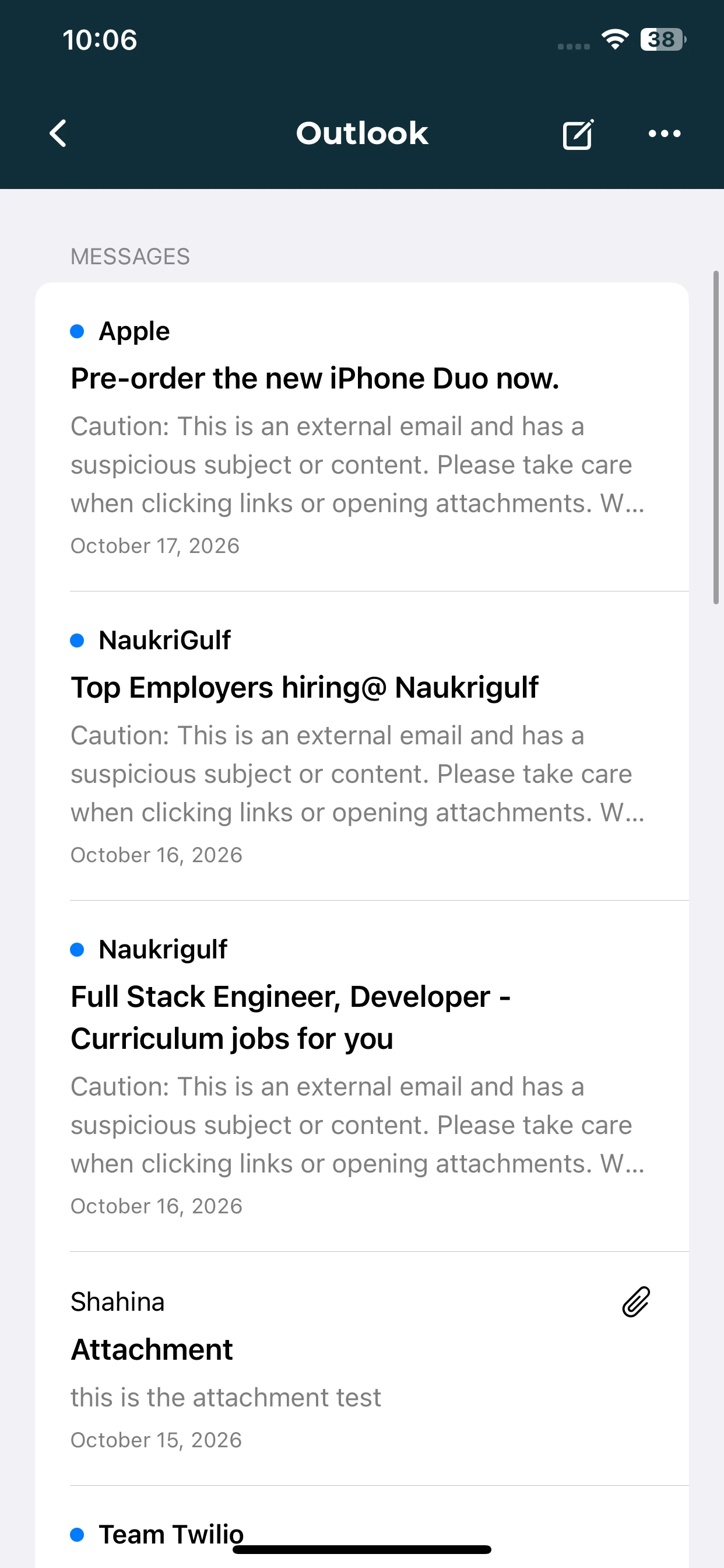
Review the Outlook message list and the sender details shown in the mobile inbox.
Message list
Browse the messages in the selected Outlook account.
Sender context
Review sender names, subjects and available message previews.
Compose access
Use the available compose control when preparing correspondence.
Email composition
Prepare the response within your workspace.
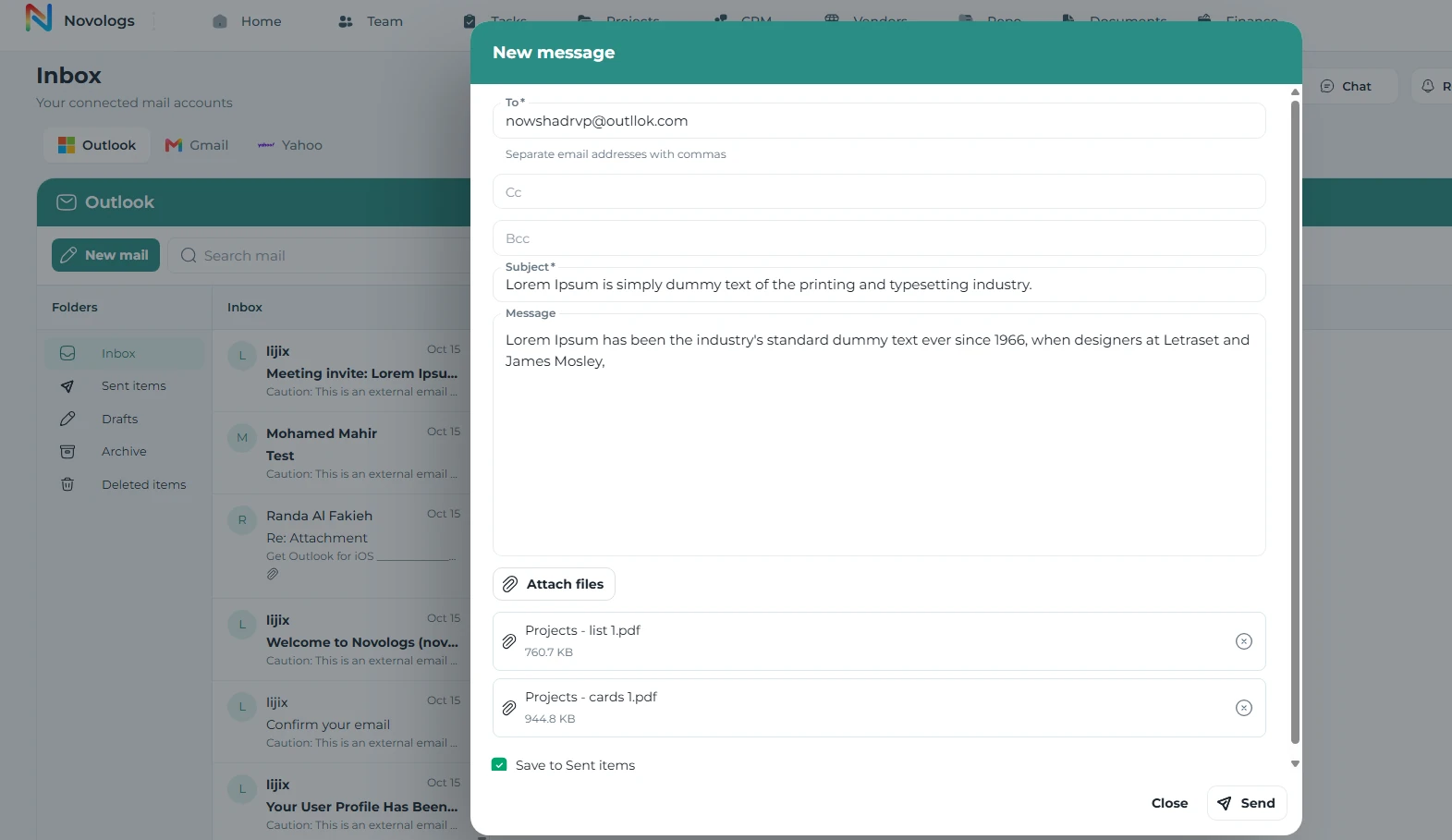
Compose business correspondence through a supported account. Keep recipients, subject and message content together while handling the communication your role requires.
- Recipients
Address the people involved in the conversation.
- Message subject
Give correspondence a clear business reference.
- Message content
Prepare the information or response you need to share.
- Supported sending
Send through the connected account where authorized.
Email composer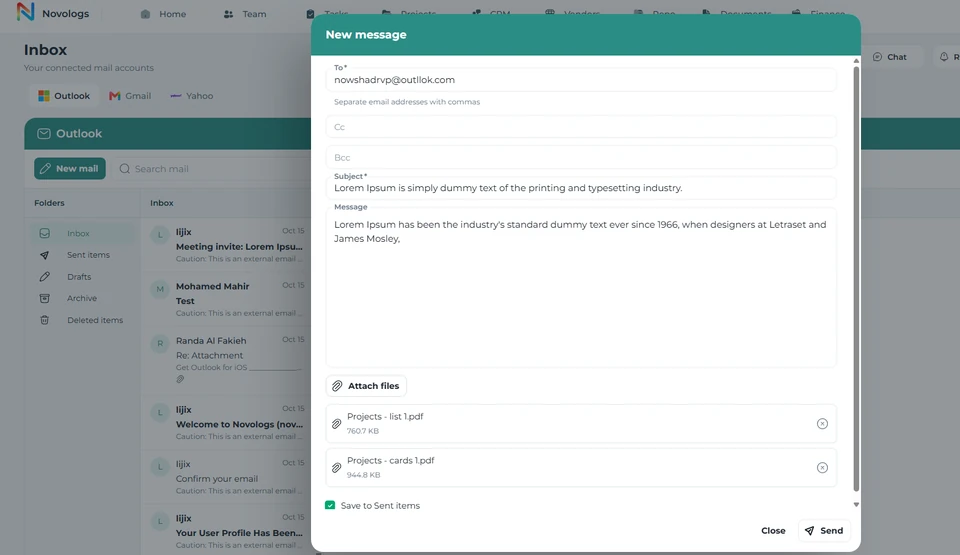 View screenshot
 View screenshot
Business correspondence
Keep email close to the work it supports.
Manage customer enquiries, project communications and administrative correspondence alongside your other Lijix responsibilities. Spend less time switching between separate working environments.
- Client communication
Review enquiries and customer correspondence.
- Vendor discussions
Handle messages involving supplier relationships.
- Project communication
Manage correspondence about ongoing work.
- Administrative mail
Keep operational email identities within reach.
Business correspondenceWorkspace example
Illustrative correspondence context
Customer enquiryBusiness identity and conversationClient communication
Project updateCorrespondence about ongoing workProject communication
Administrative requestOperational email responsibilityAdministrative mail
Illustrative workspace · Example workflow and business records
FROM INFORMATION TO ACTION
From a connected account to a useful reply.
Keep business correspondence organized within your wider working environment.
- 01
Connect an account
Use a supported provider connection available to your workspace.
- 02
Review the inbox
Read incoming correspondence and identify the messages needing attention.
- 03
Prepare a response
Compose the message and add the relevant correspondence details.
- 04
Continue your work
Manage the conversation alongside your other operational responsibilities.
A FEW USEFUL DETAILS
Working with
your inbox.
Understand connected accounts and platform-specific email availability.
Which email providers can I use?
Lijix is designed to support providers such as Outlook, Gmail and Yahoo. Available connections vary by platform and account. On mobile, Outlook is available while Gmail and Yahoo are marked as coming soon.
Can I manage multiple email accounts?
The inbox supports working with multiple connected business accounts, subject to the providers and connections available to your account.
Can I compose and manage correspondence in Lijix?
The module supports composing, sending, receiving and managing correspondence through supported connected accounts. The available actions follow your connection and permissions.
ONE CONNECTED PLATFORM
Explore the rest
of your workspace.
Follow the people, work, information, and business relationships connected to this module.

Contact
Let’s Connect
Your Business
Your Business
Phone number
+971 4 235 0900
Office Address
City Avenue BuildingDubai, UAE
Business Hours
Monday to Friday: 9:00 AM to 6:00 PMSunday: Closed