CL001Retail
Atlas Retail
Dubai
[email protected]Business relationships with the working detail behind them.
Maintain client profiles and multiple contacts, document meetings, and manage business leads with their own tasks, files, discussions, and updates. Coordinate follow-ups with authorized colleagues and review awarded or rejected outcomes through CRM reporting.
Clients, leads and shared ownership.
Try another search or reset the filters.
Dubai
[email protected]Abu Dhabi
[email protected]Sharjah
[email protected]Try another search or reset the filters.
3 members
2 members
Try another search or reset the filters.
Discovery meeting completed. Scope review is next.
Client requested a revised service schedule.
Client confirmed the proposal and agreed the start date.
Client selected another supplier. Outcome recorded.
Sample CRM records. Select a lead or client to explore.
Business relationships with the working detail behind them. Explore the capabilities and the business information they bring together.
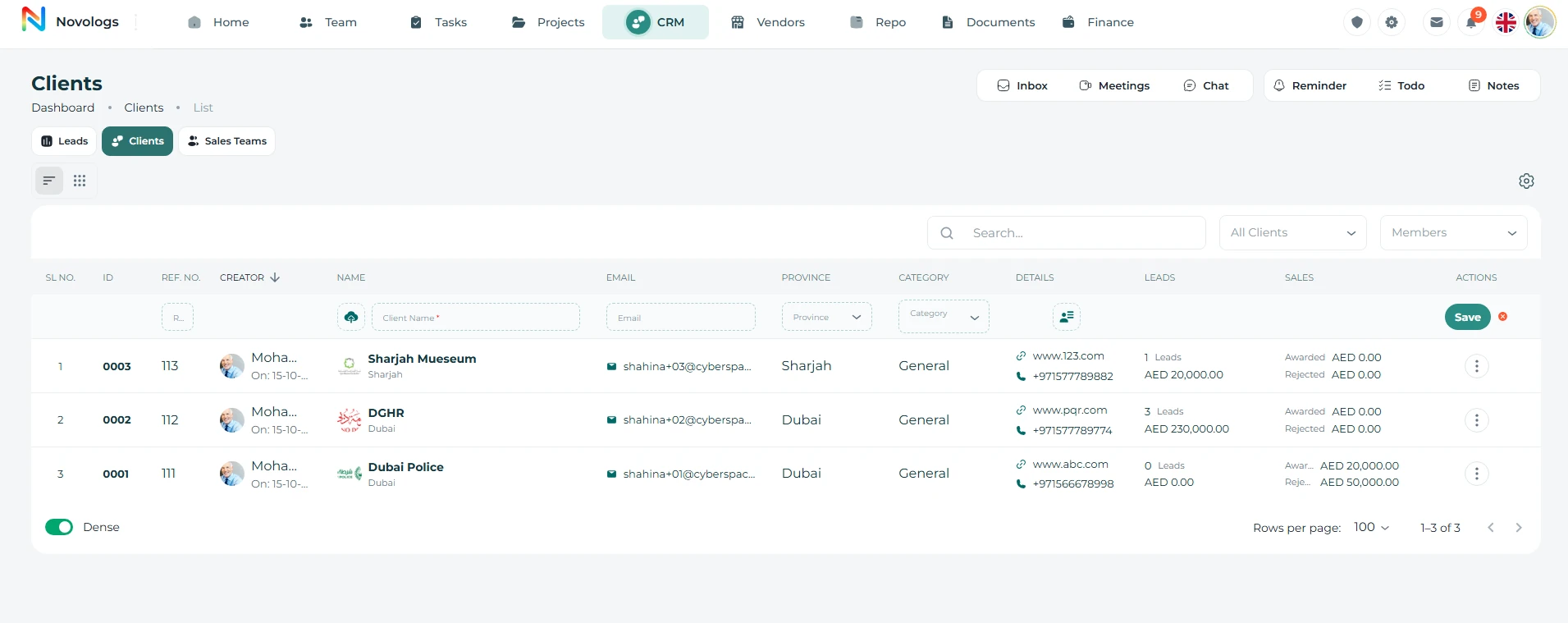
Maintain client business information, multiple contact persons, relationship history, and meeting context. Give account owners a shared reference for the people and activities behind each relationship.
Keep business details and relationship information together.
Record procurement, finance, technical, and other representatives.
Maintain discussions, outcomes, and follow-up actions.
Keep the history available as account responsibilities change.
 View screenshot
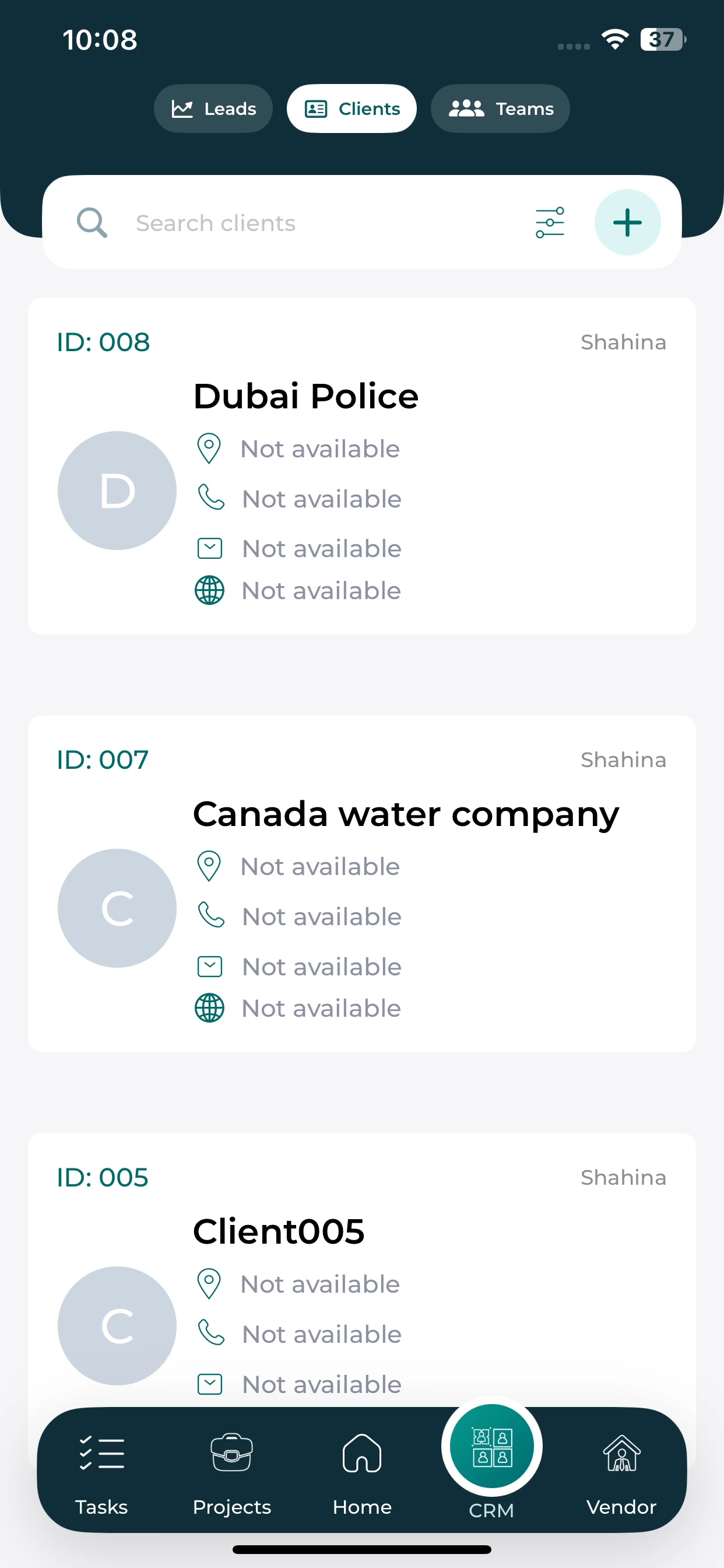
Review the client cards and contact information available from mobile.
Browse the clients listed in your workspace.
Review the contact fields recorded on each client card.
Use the available search and filter controls to find a client.
Create an opportunity with its own owner, status, tasks, files, discussions, and activity history. Coordinate follow-ups, share the lead with authorized colleagues, and record the final awarded or rejected outcome.
Capture enquiries, proposals, tenders, and opportunities.
Keep commercial actions and supporting documents together.
Discuss the opportunity and maintain its activity history.
Close the opportunity as awarded or rejected.
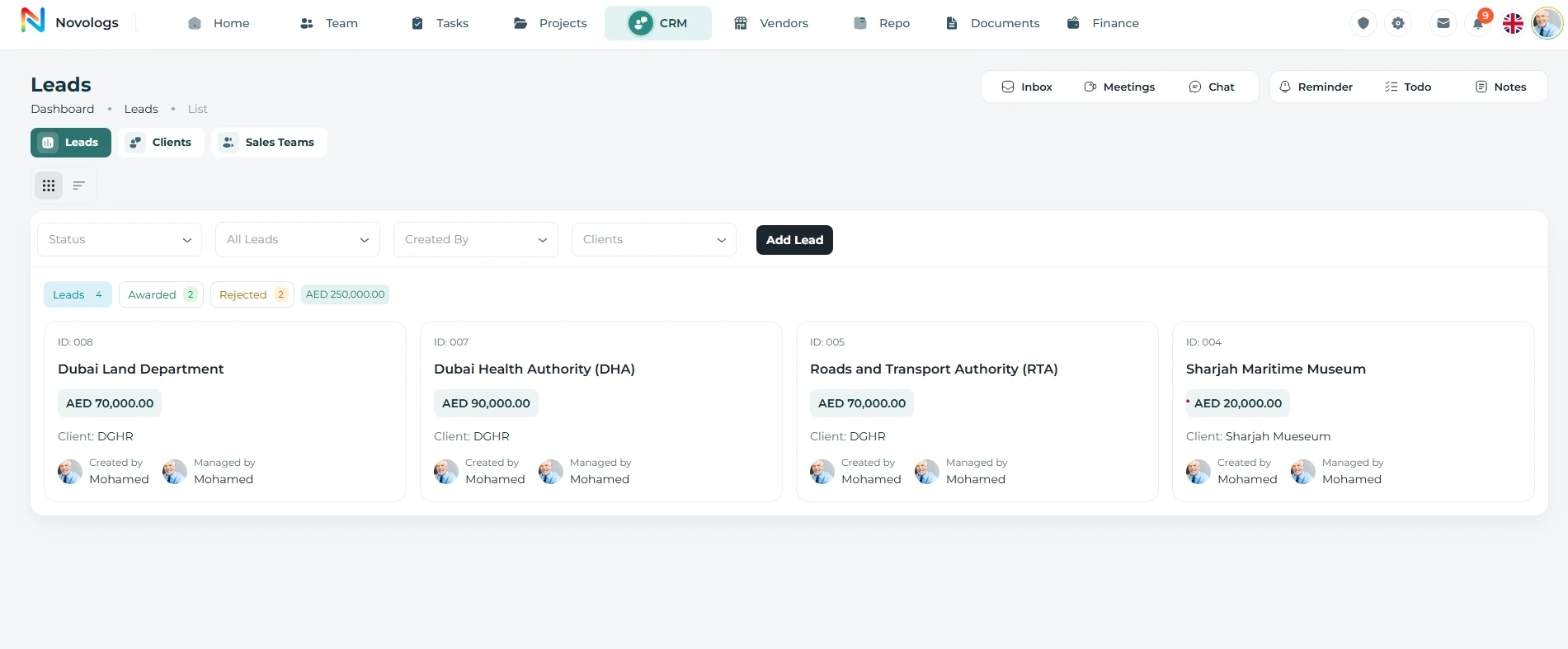 View screenshot
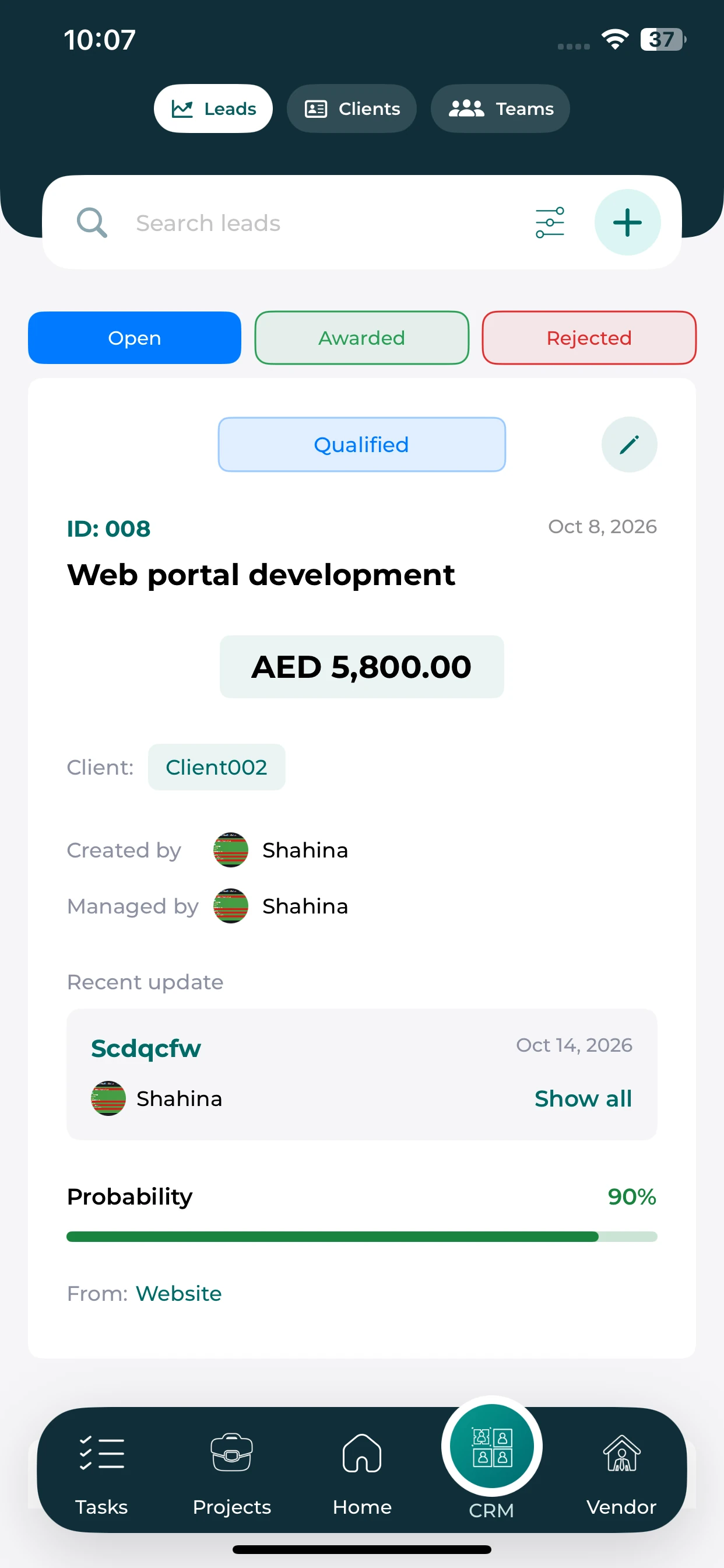
Review lead status, ownership and recent updates from the lead card.
See the recorded stage and available outcome filters.
Review the value, client and probability shown for the lead.
Check the owner and recent update before your next discussion.
Share business leads with authorized colleagues and keep internal commercial discussions connected to the record. Give teams clear ownership and access to the information they need to coordinate the opportunity.
Create and manage team groups
Departments, branches, and hierarchy
Role-based team permissions
Monitor team status and movement
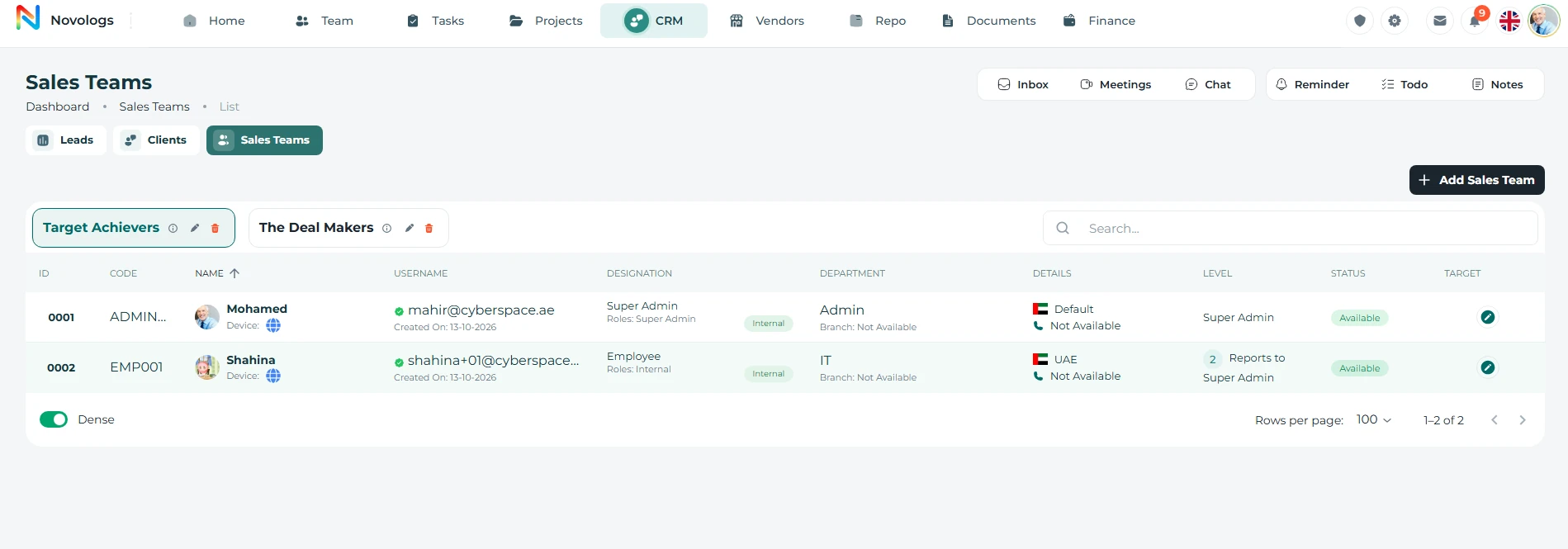 View screenshot
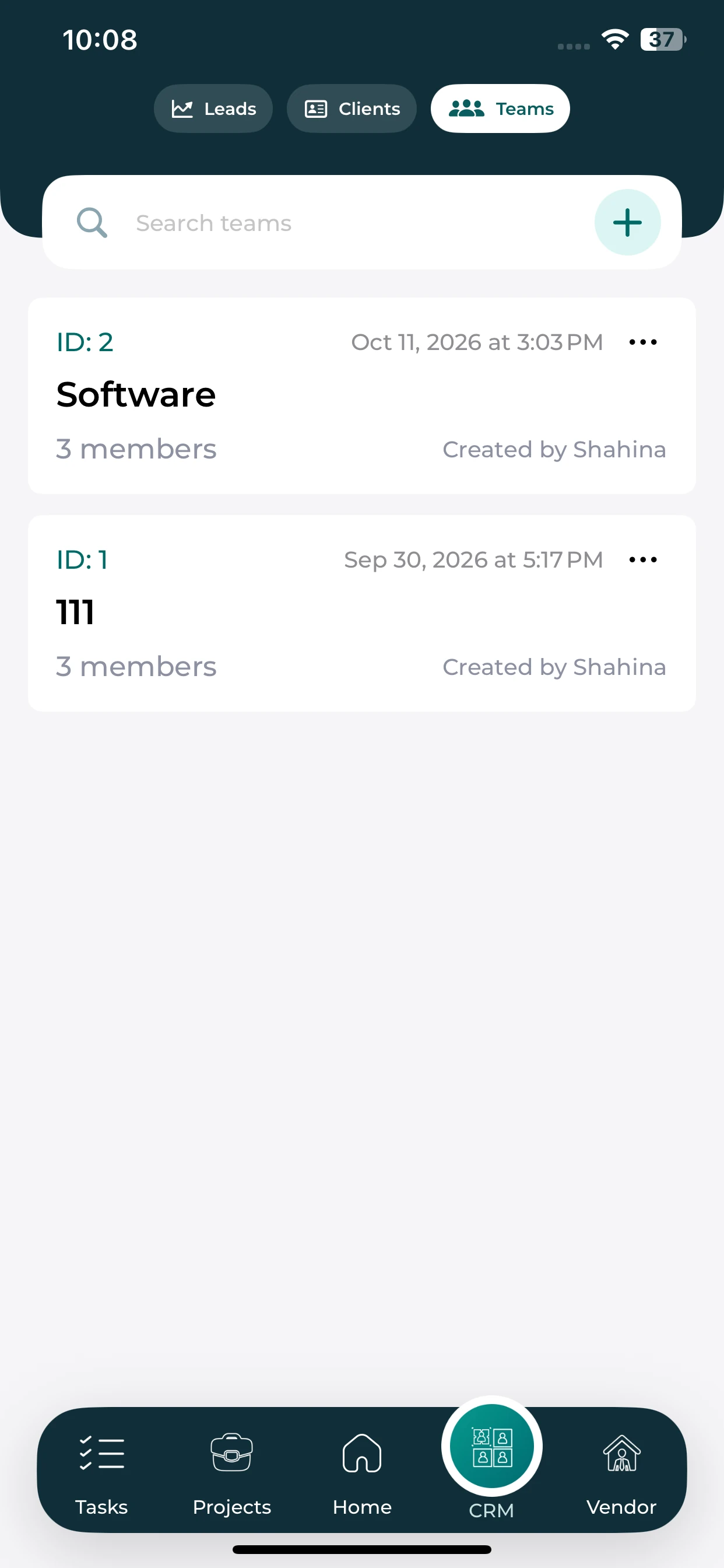
Review the sales groups and member counts shown on mobile.
Browse the teams recorded in the sales workspace.
See the member count shown for each group.
Review the creator and recorded group details.
Review sales-team targets and ownership alongside business opportunities. Keep the responsible employee, follow-up activities, and colleague collaboration visible so teams can understand what should happen next.
Organize teams and structures
Monitor assigned and achieved goals
Notes, comments, and updates
View progress and ownership clearly
On mobile: Monitor assigned goals and achieved results in real time; See member responsibilities and sales accountability clearly; Share updates, targets, and team collaboration across devices.
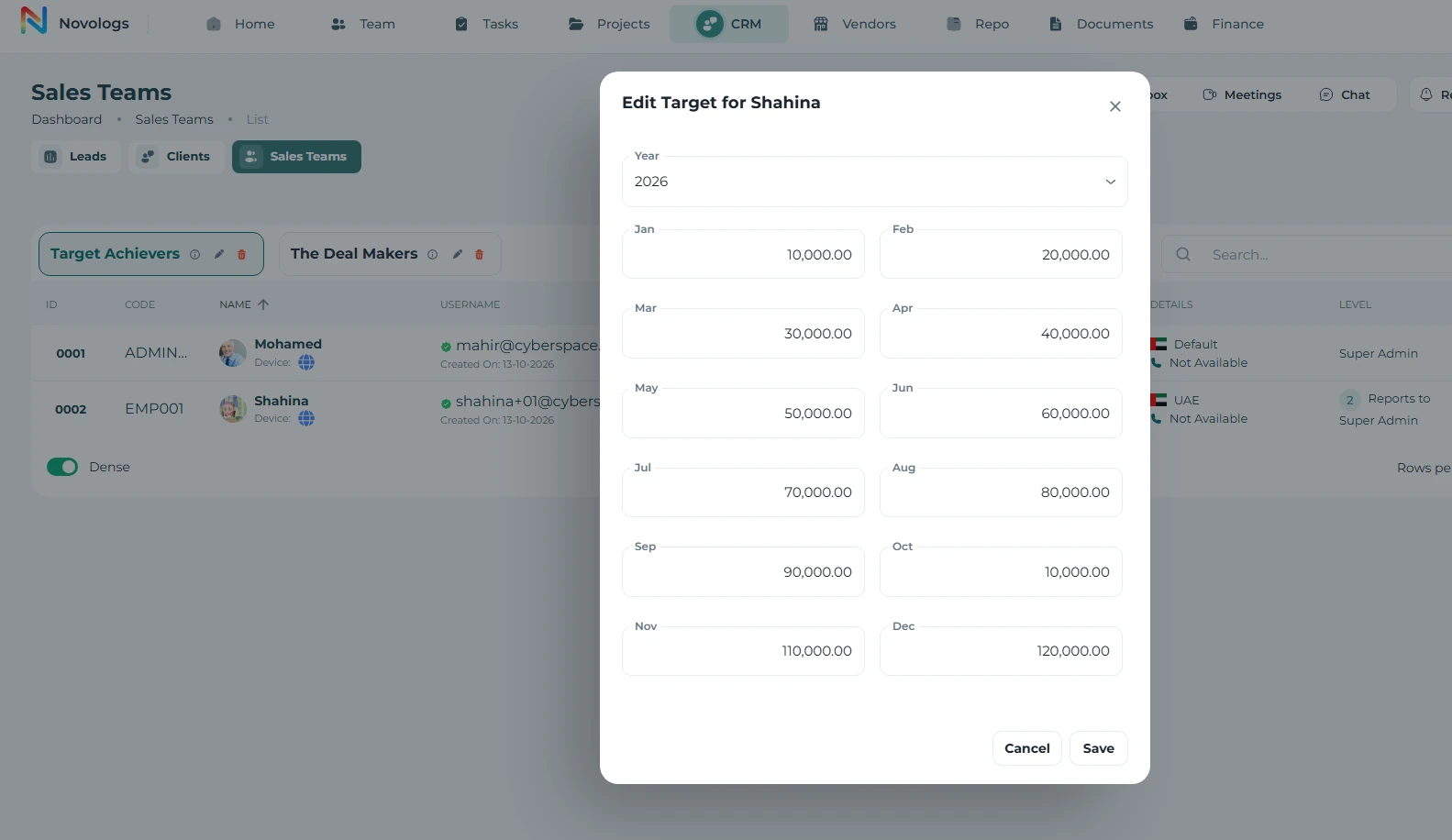 View screenshot
Review pending opportunities, sales activity, and commercial outcomes through CRM reports and analytical charts. Use the available information to understand business development activity and where follow-up is needed.
Dashboards and real-time sales views
Track revenue and pipeline movement
Measure target and sales performance
Monitor conversion and activity rates
On mobile: Review sales income and business movement in real time; Monitor lead progression, conversion, and sales activity; Keep sales metrics and performance insights available anywhere.
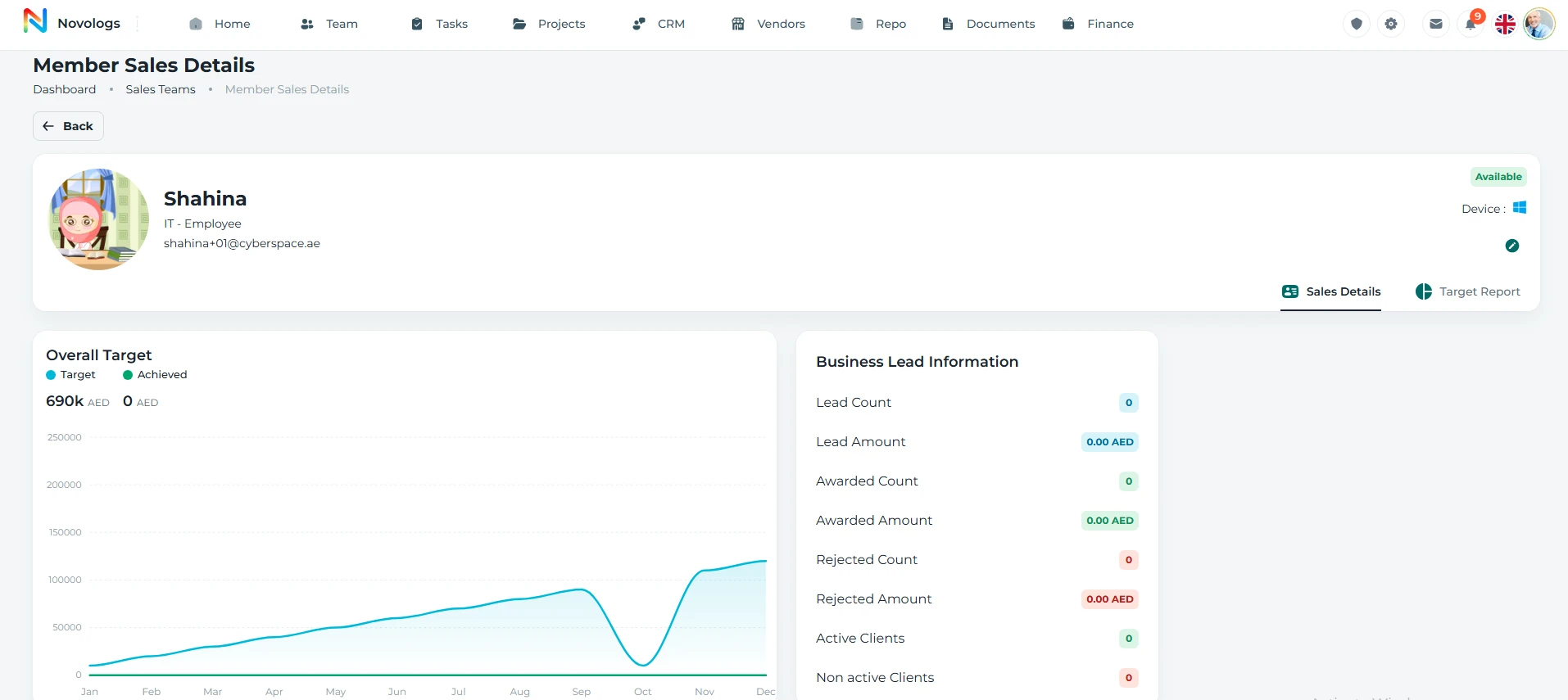 View screenshot
Bring the right information, people, and next actions together in one connected business environment.
Create the client profile and relevant contact persons.
Record the lead, responsible owner, and business information.
Connect tasks, discussions, meetings, files, and updates.
Close the opportunity and use reporting to understand commercial activity.
Practical details about client relationships and the connected working environment.
Yes. Lijix supports multiple contact persons associated with each client organization, including procurement, finance, technical, and senior management roles.
A lead can maintain its own tasks, files, chat, updates, activity history, and relevant business information.
Authorized colleagues can share and coordinate business leads while retaining appropriate access.
Close opportunities as awarded or rejected and review reporting and charts for commercial activity.
Follow the people, work, information, and business relationships connected to this module.